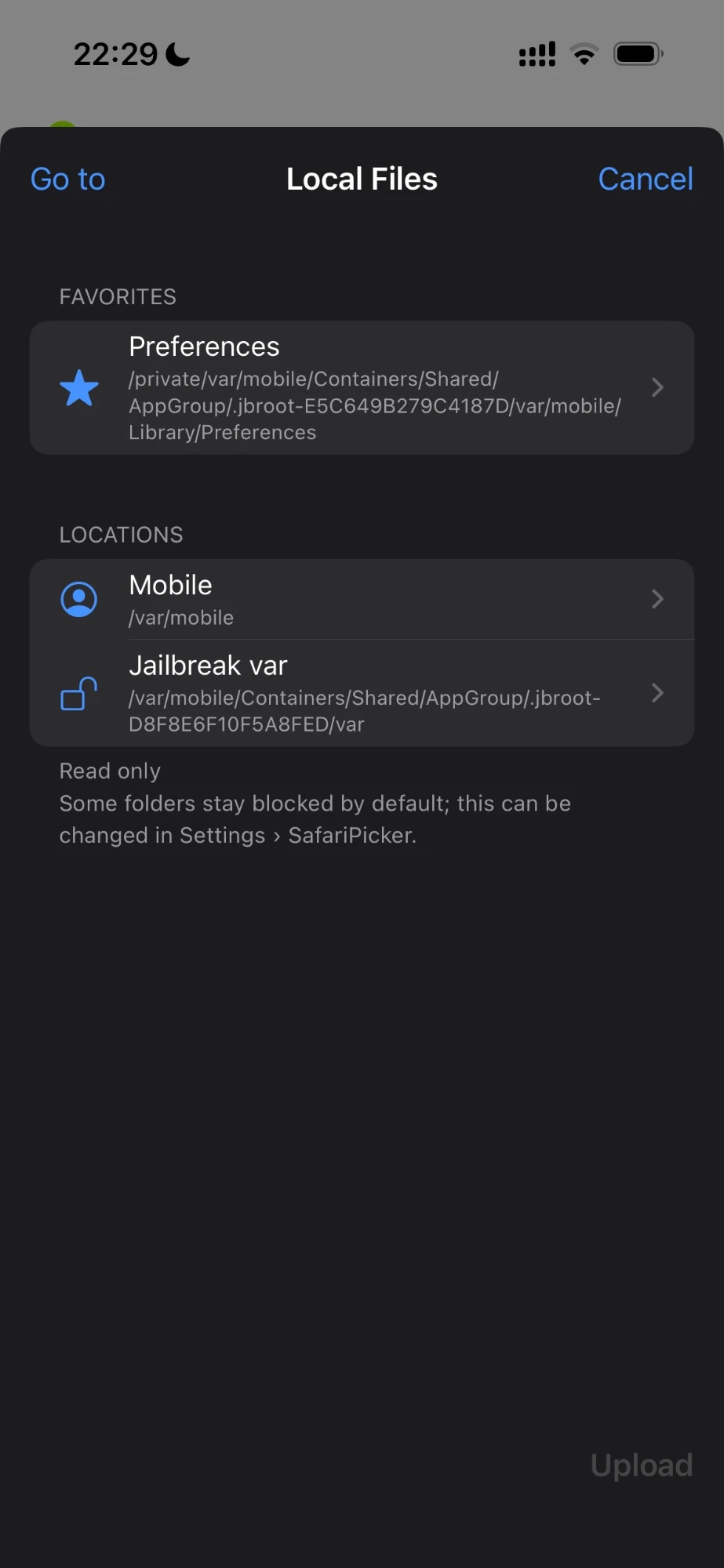
Local Files: Safari's Downloads folder (On My iPhone > Downloads) is now in Favorites by default. You can still remove it from Favorites.
1.2.0
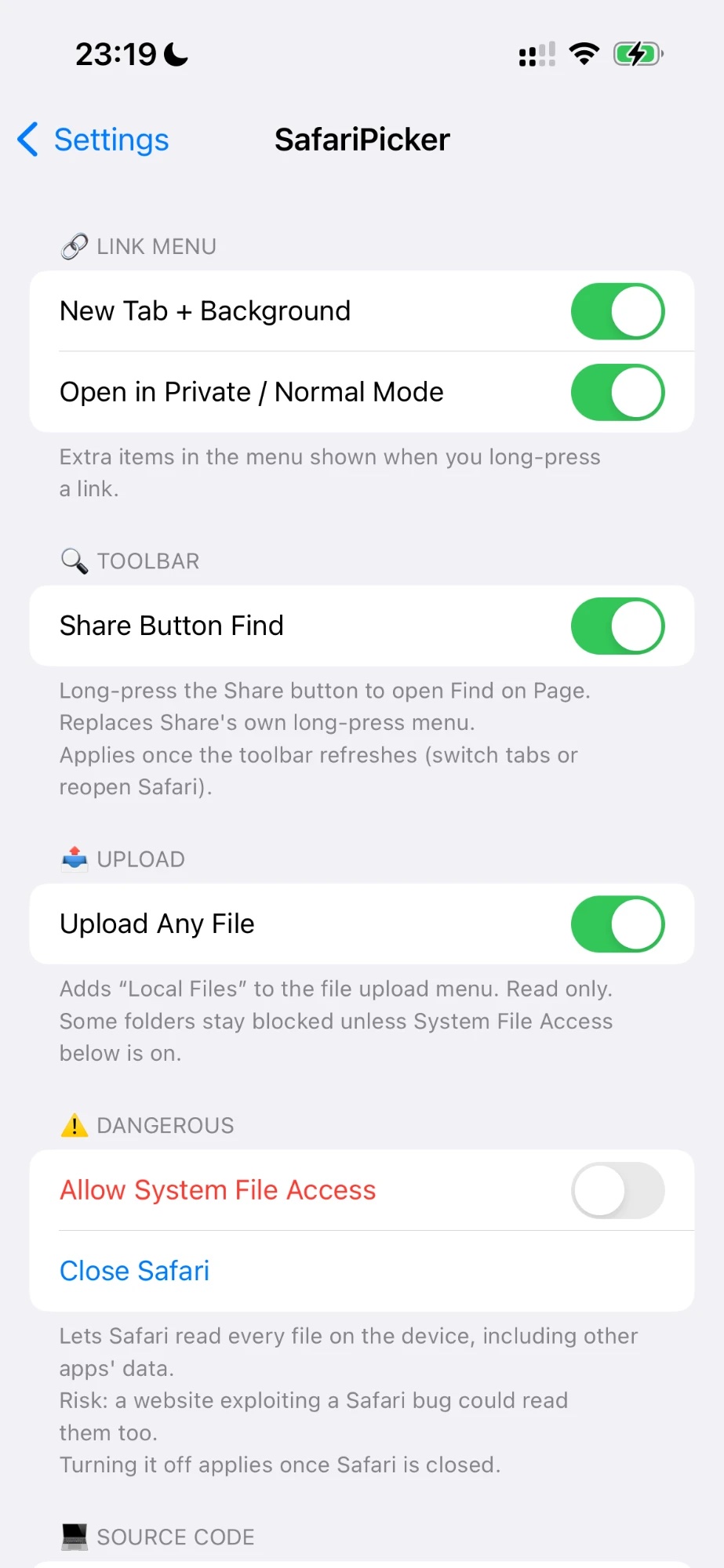
New: Share Button Find. Long-press the Share button in Safari's toolbar to open Find on Page (original idea by p2kdev's SafariFind). Turn it on or off in the new Toolbar section in settings.
Now conflicts with SafariFind, since SafariPicker covers the same feature.
1.1.0
New "Source Code" button in settings.
New settings icon.
1.0.0
Initial release, based on parts of SafariPlus by opa334.
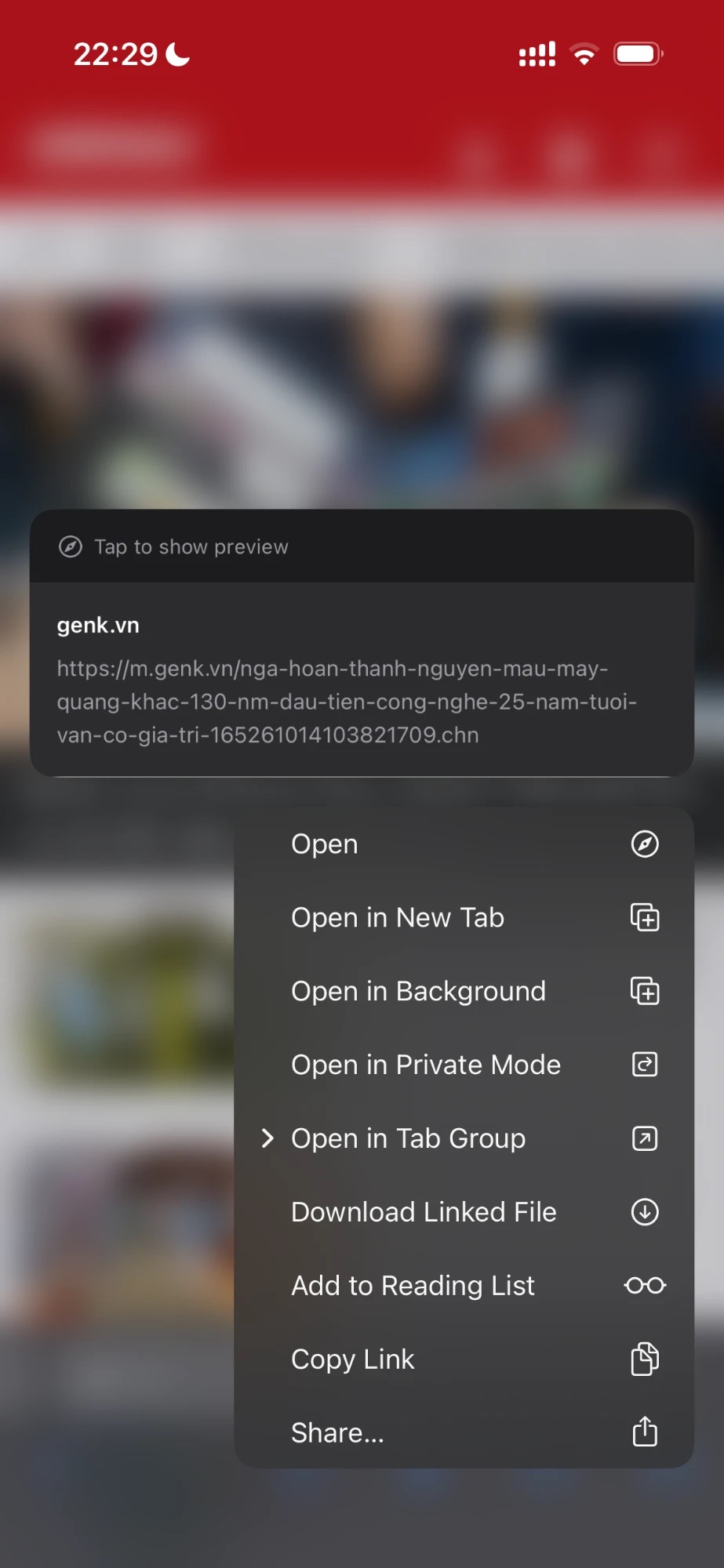
New Tab + Background: "Open in New Tab" and "Open in Background" side by side in the link menu.
Private / Normal Mode: open a long-pressed link in the other browsing mode.
Upload Any File: "Local Files" in the upload menu opens a read-only file browser with favorites, Go to Path, Copy Path, search, sorting and grouping.
Reads /var/mobile and the jailbreak root by default; "Allow System File Access" (off by default, via libSandy) extends it to the whole file system.